

In the first article, we introduced what NotifyWorld is. If you haven’t read it yet, here is the link: https://konem.blog/2026/06/03/notify-world/
There are few more parts to cover. In this article we will talk about real world usage and some scenarios that we are covering. There will be some more follow up articles coming soon:
- Part 3: Architecture behind NotifyWorld
- Part 4: Security and Attacks
- Part 5: Coding and Deployment
As mentioned in the first introduction article, main features of NotifyWorld are Smart QR Tags and Document Management.
Smart QR Tags
I want to show you how I use tags in NotifyWorld. Tags are meant to be used for anything that can be lost. In case tags are all you need from NotifyWorld, you can register as a Basic user which is free and have 5 tags available for you to create. In case more is needed, a Regular user subscription gives you access to 50 tags.
Tags can be downloaded, so you print them wherever you want. In our Shop we offer about 20 items (stickers, bracelets, necklaces, key chains) to print tags for you and ship them to your home address.
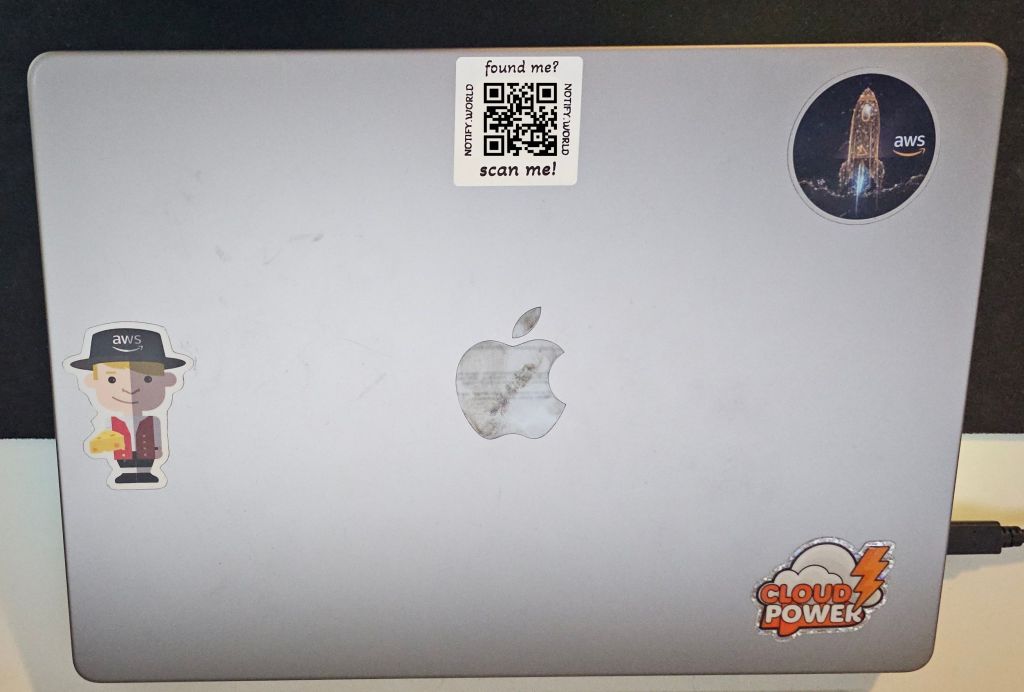
I travel often by train, where I work on my laptop. It happened several times that I almost left my laptop behind me. If I actually ever forget my laptop somewhere, chances are very small that I will see it again. Simply because people wouldn’t know how to contact me.
That is why I put Notify World sicker on it.
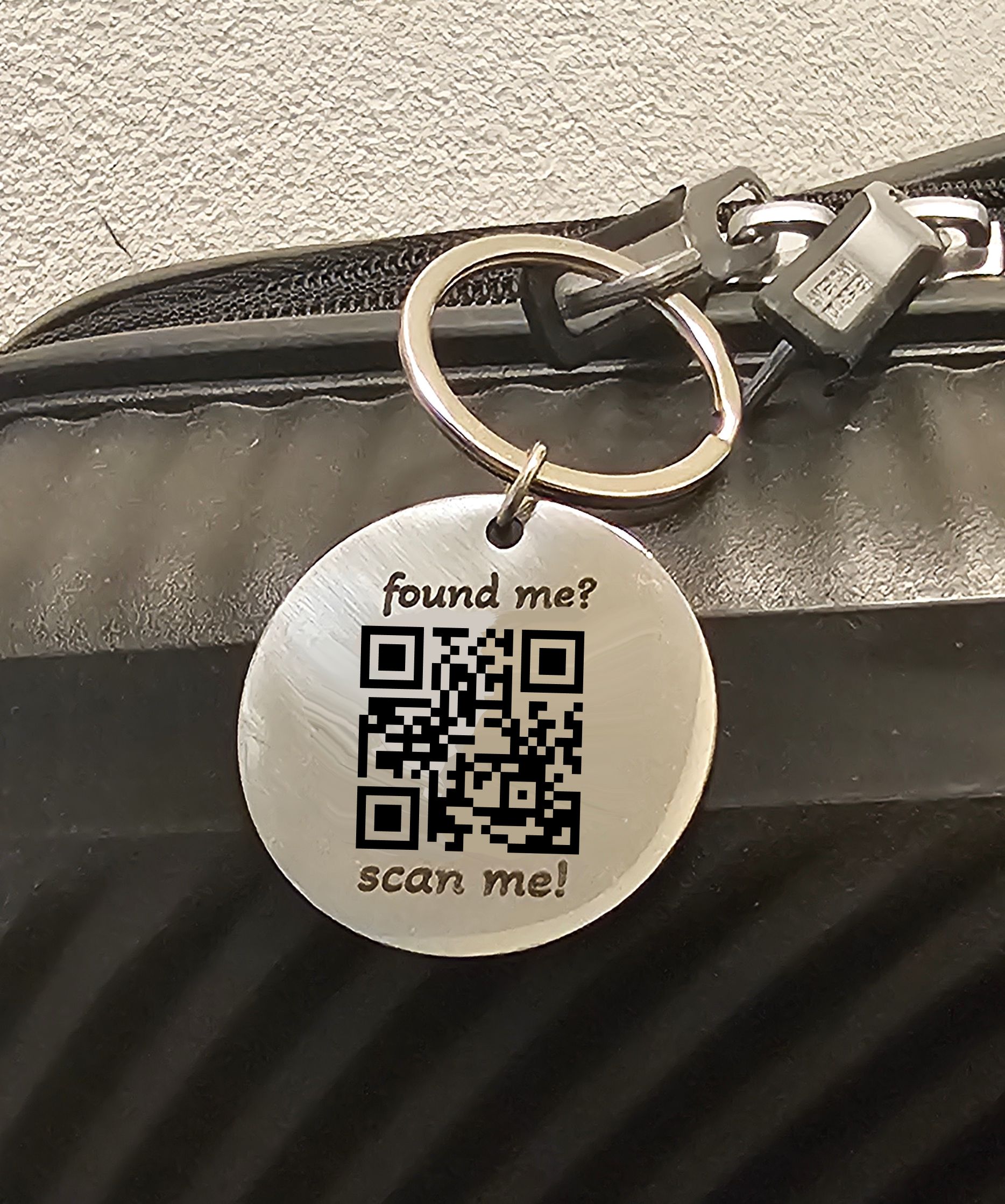
Note: all QR codes in the following pictures have been replaced with a generic one that points to the NotifyWorld website. I don’t want people to scan QR codes and send me fake notifications.
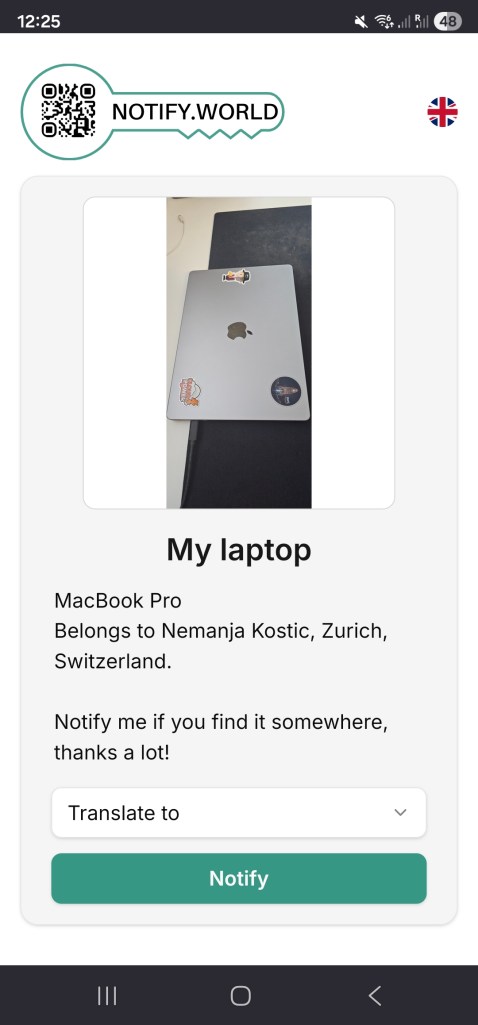
When someone scans the tag, they will see this:
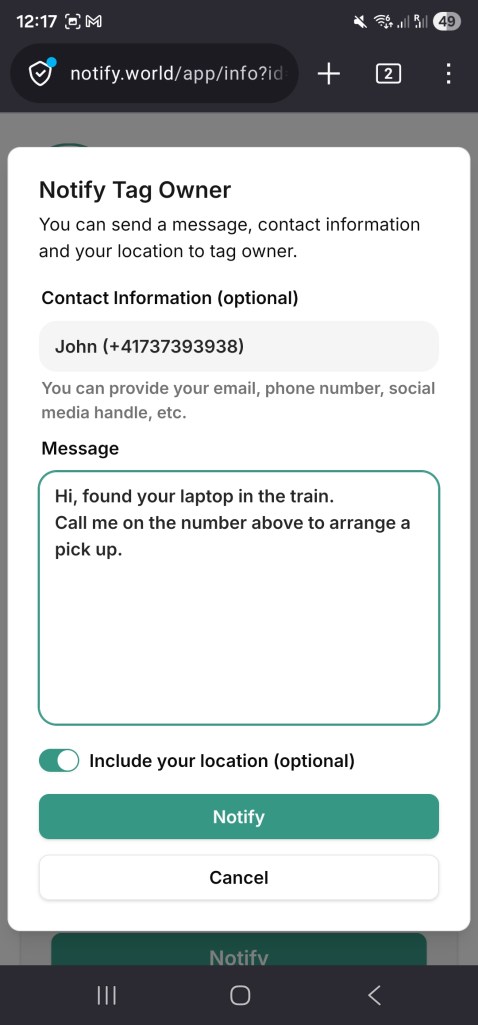
After the Notify button is pressed, they will be taken to a screen where they can leave a message and their contact info, including the current GPS address.
I would then receive an Email and SMS with these information. I am hoping there are Good Samaritans out there that would notify me if they find my laptop.
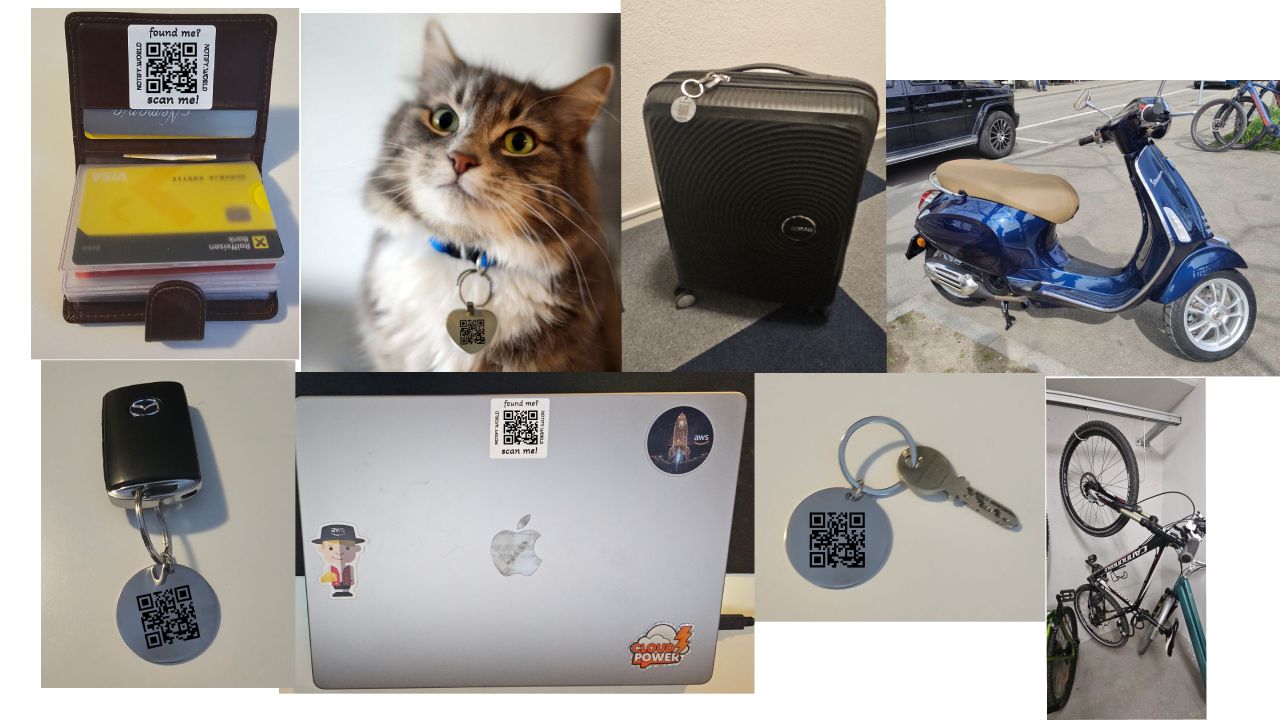
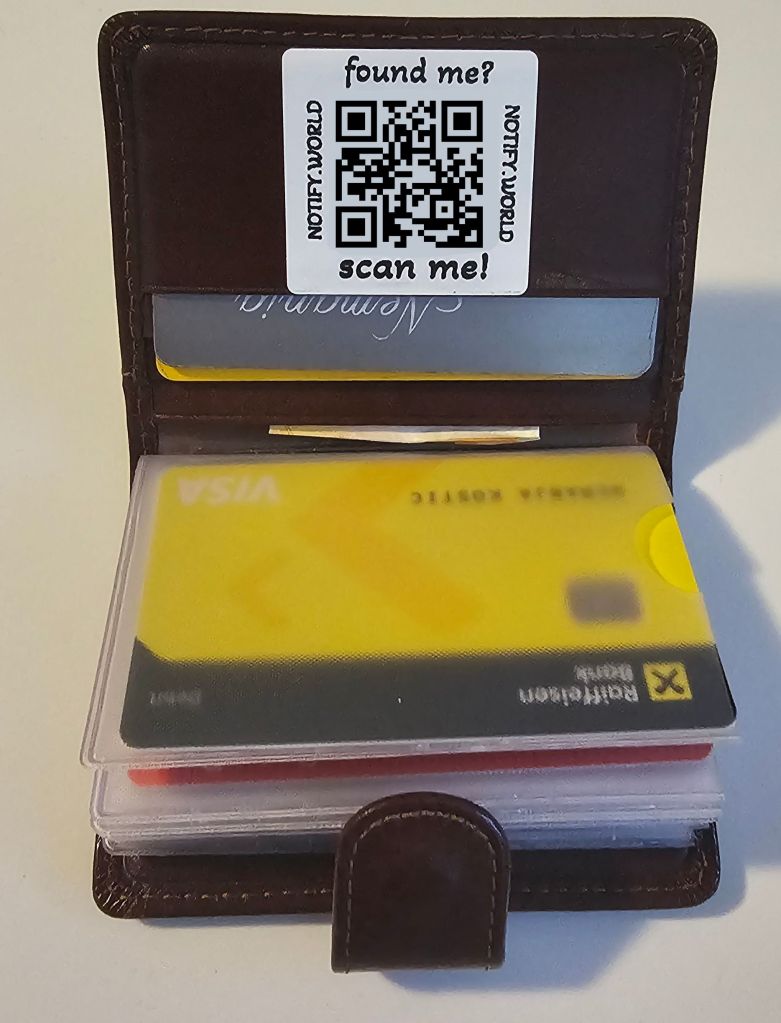
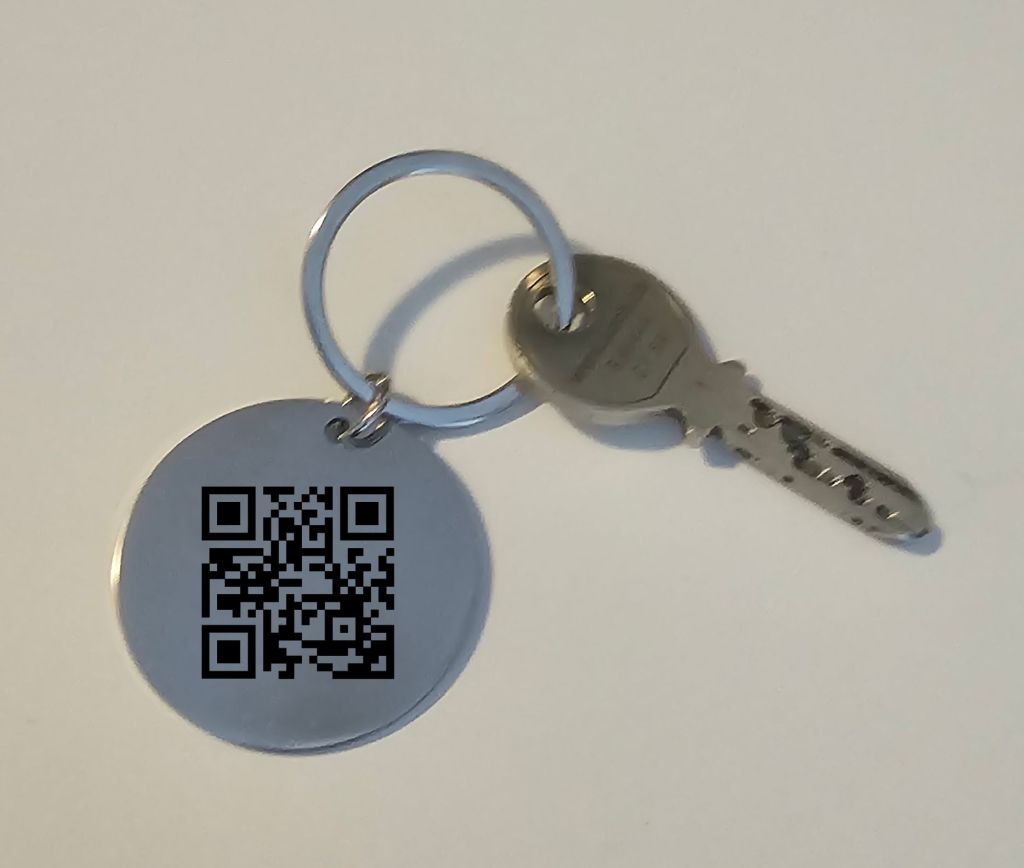
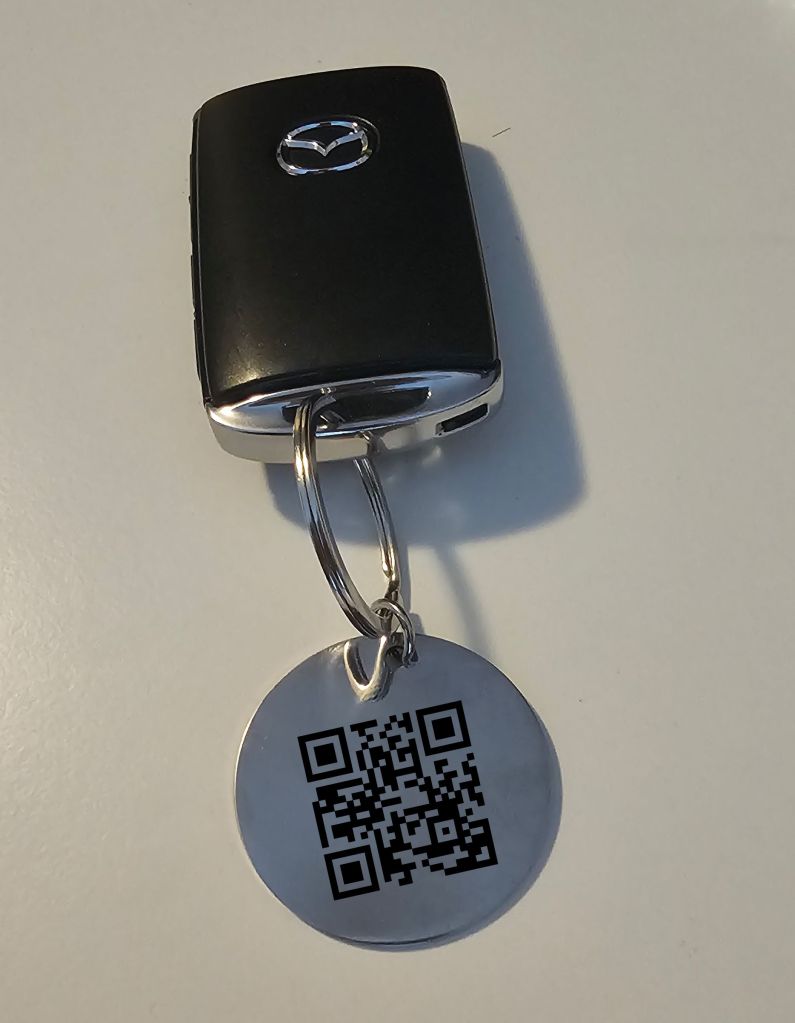
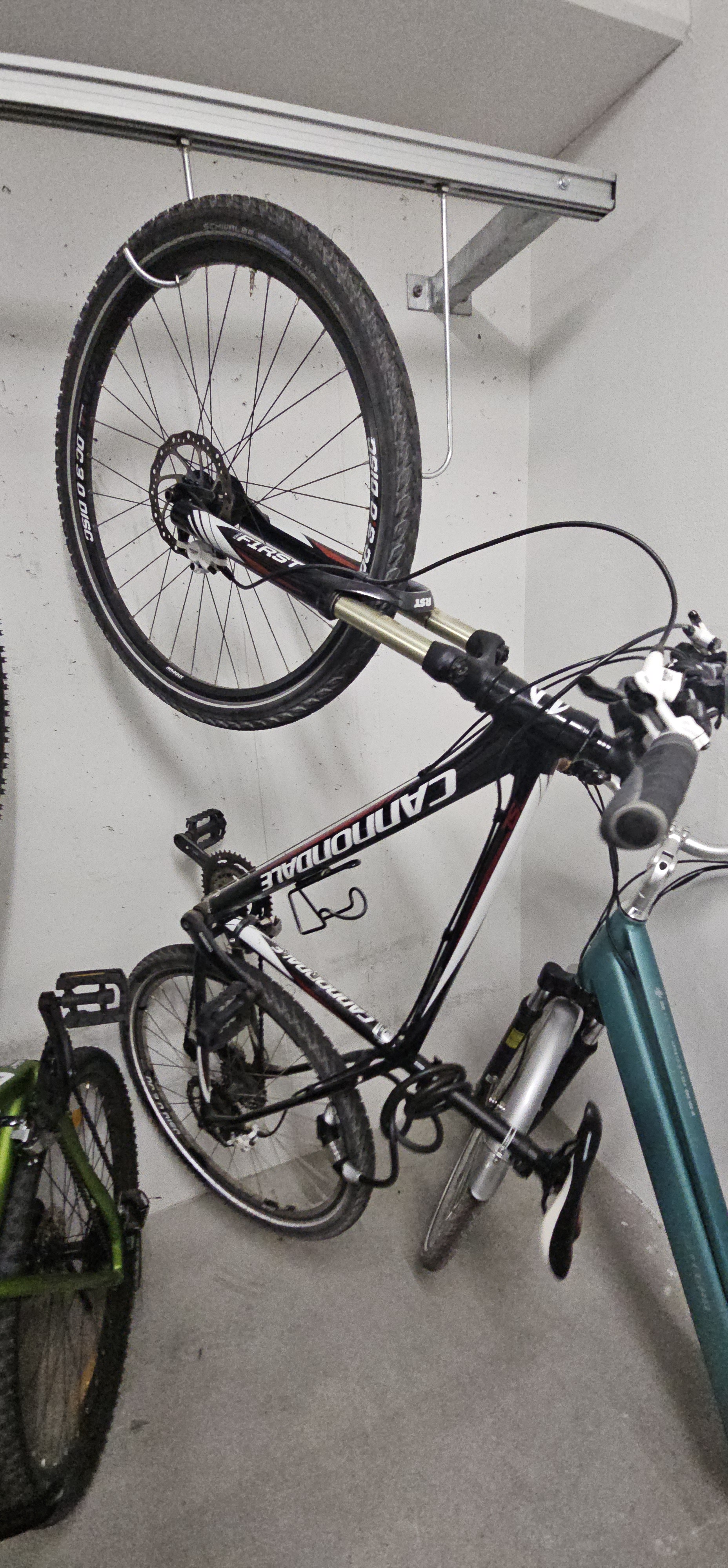
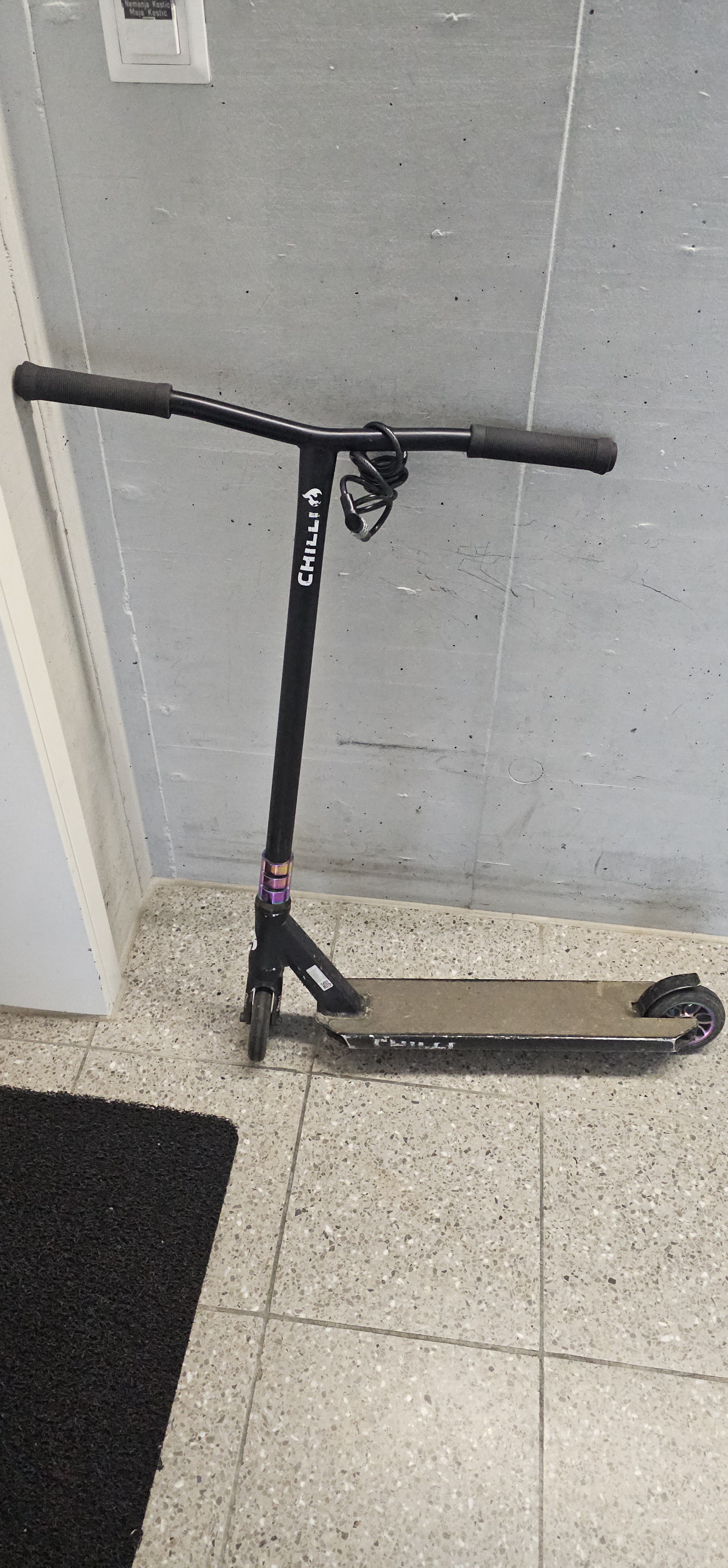
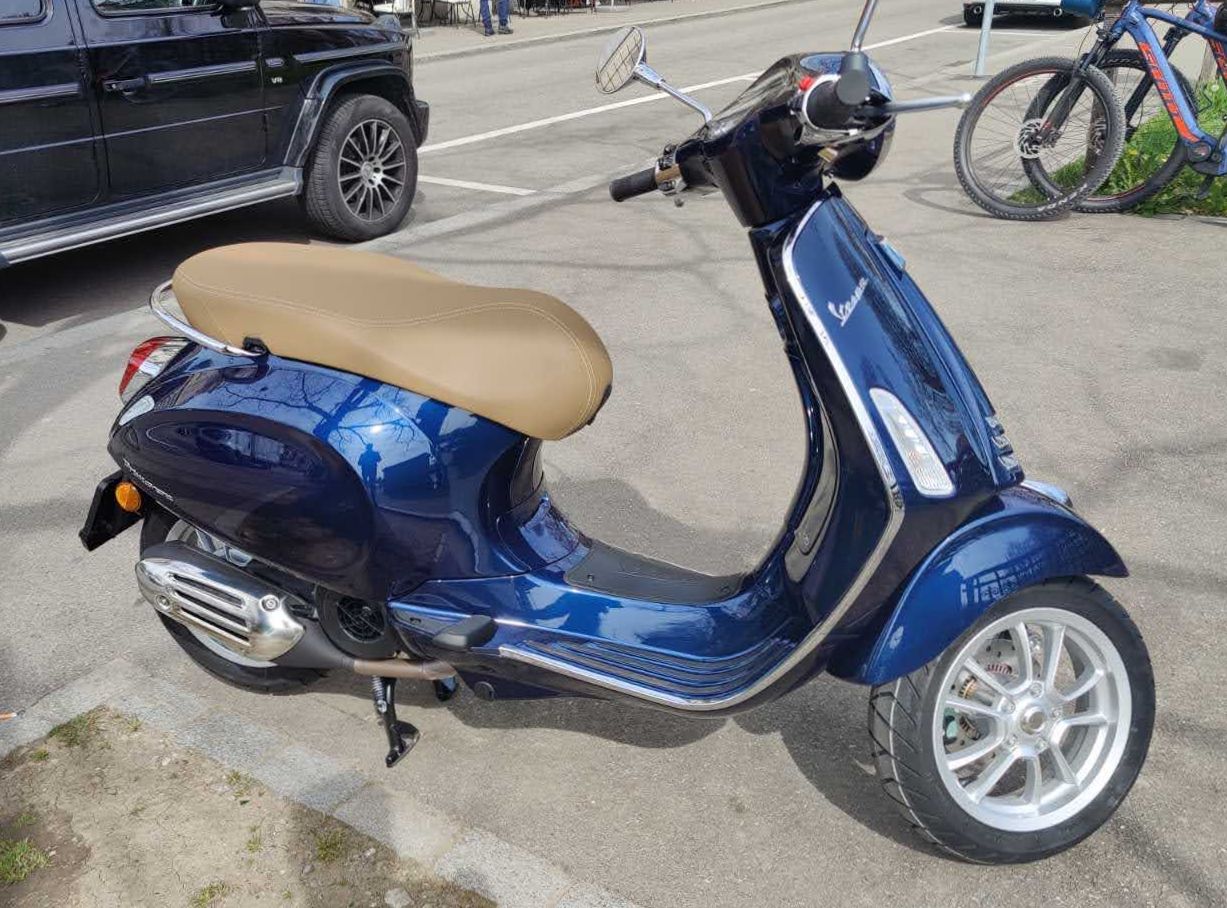
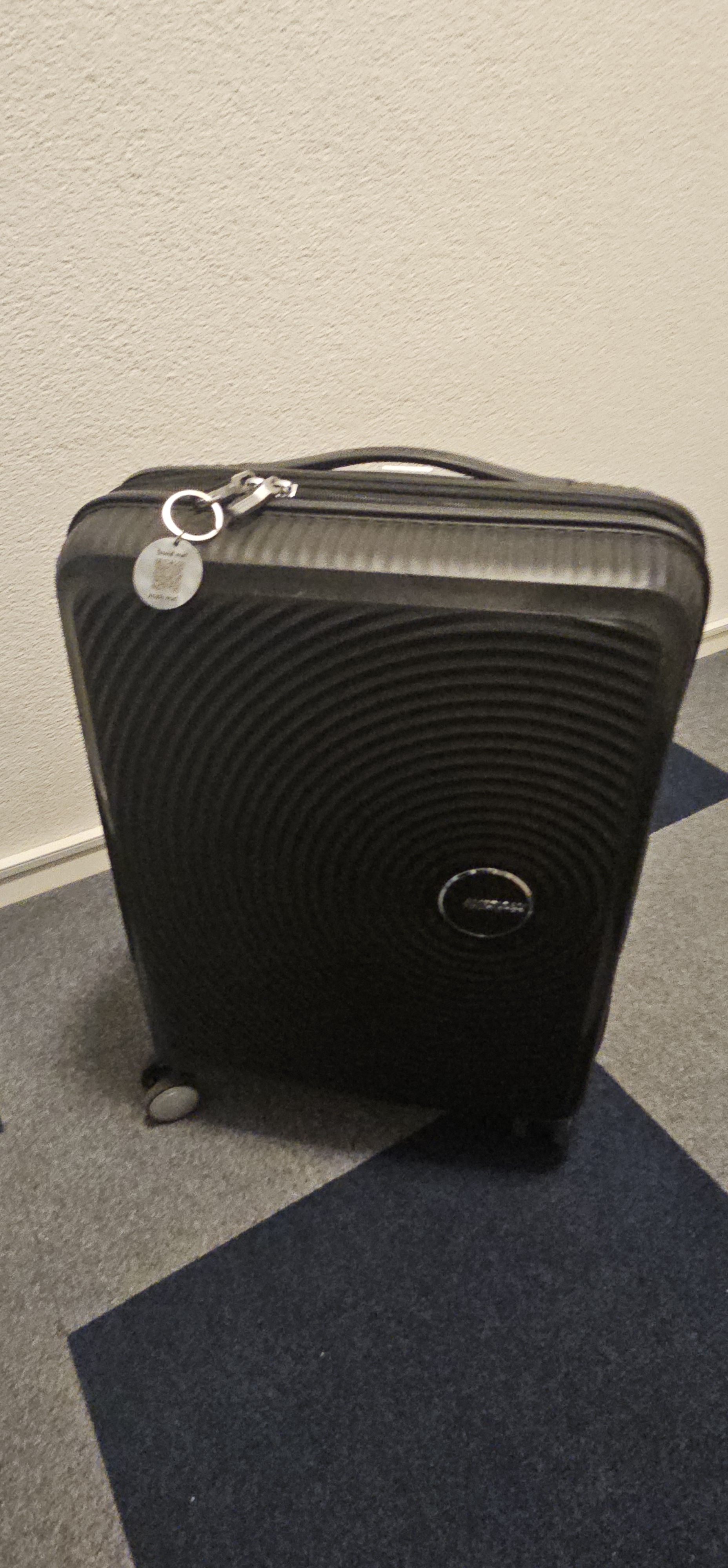
The same kind of tags I have on my other stuff that I care about. Here are some of the things I tagged. It should give you an idea of what you should be tagging as well.
- Wallet
- Keys (house and car keys)
- Vehicles (bikes, scooters, Vespa)
 |  |  |
- Luggage
 |  |
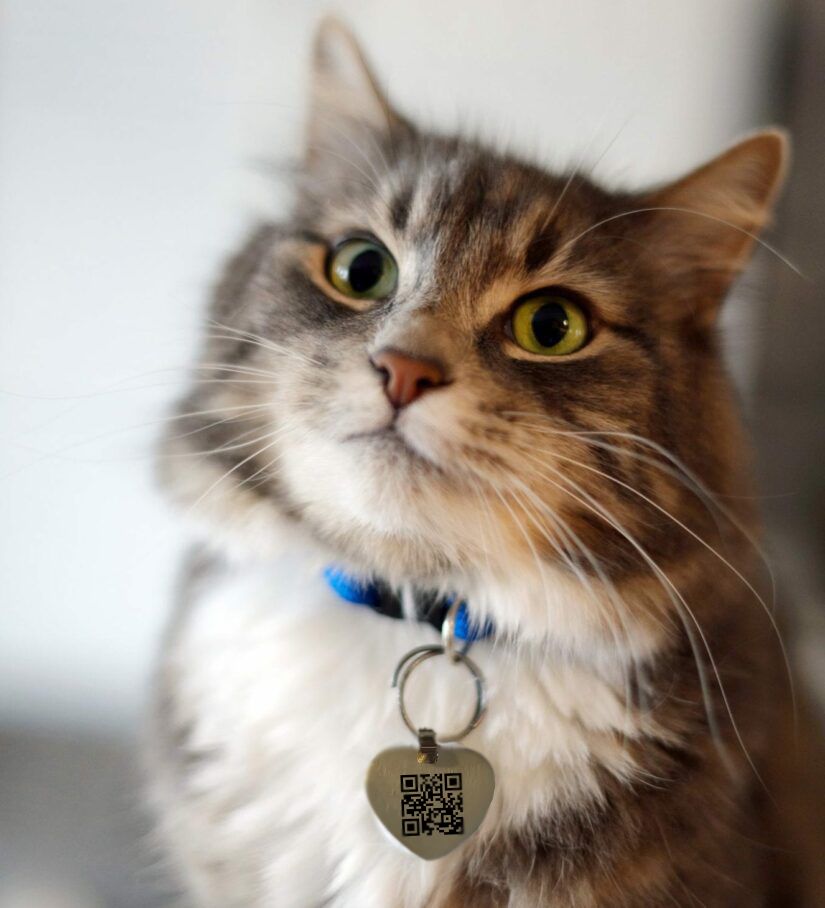
- Pets (I don’t own a cat but have printed these kind of pendants for people who ordered them over the shop)
My personal tag
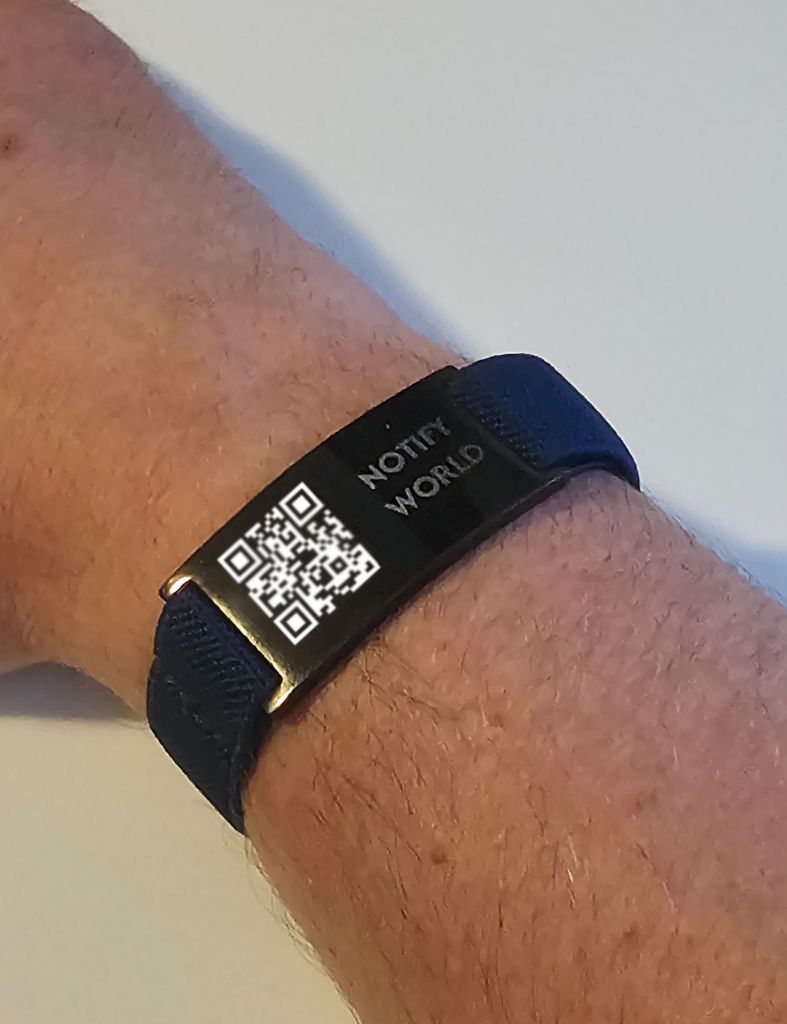
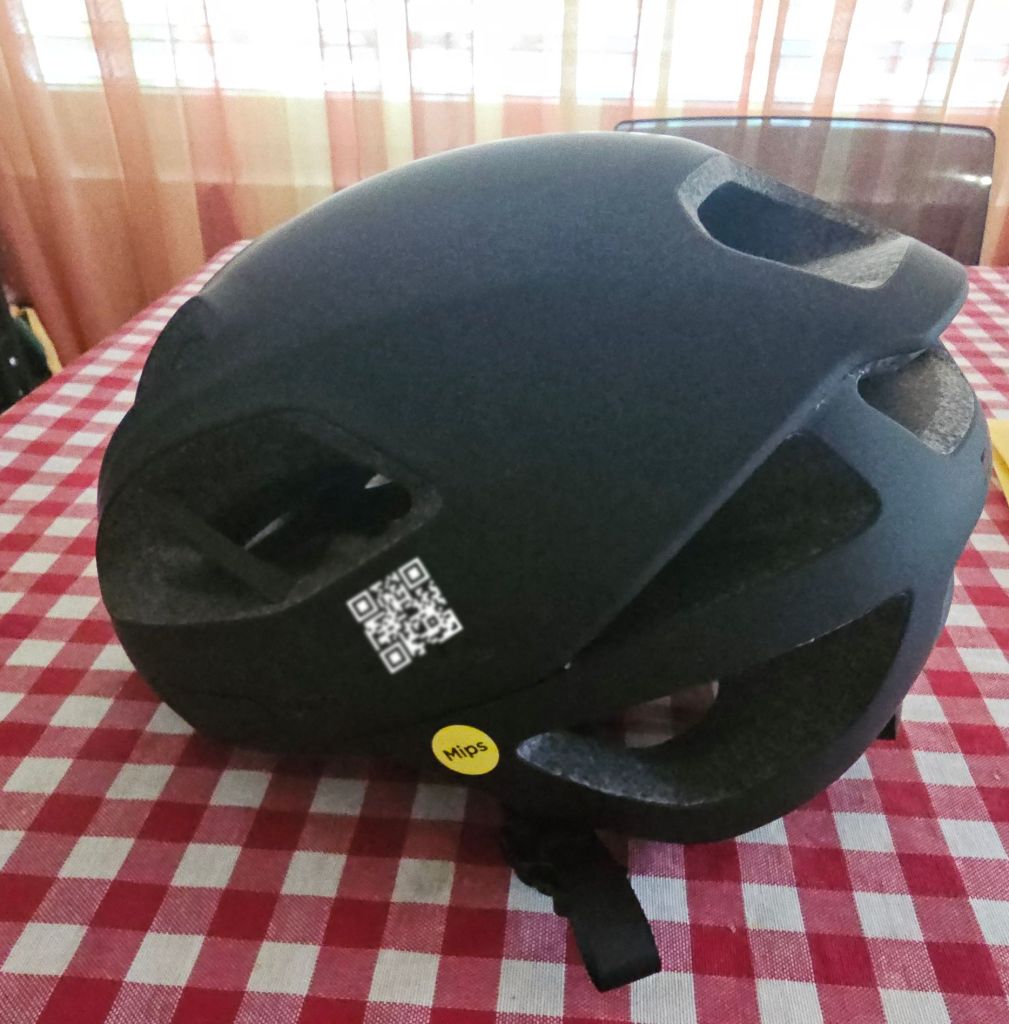
I have printed my personal tag on several items that are important for me. I have my personal QR code on my bracelet, motorbike helmet and a bicycle helmet.
If I fall somewhere, somebody finds me and scans my personal QR code, they will see this:
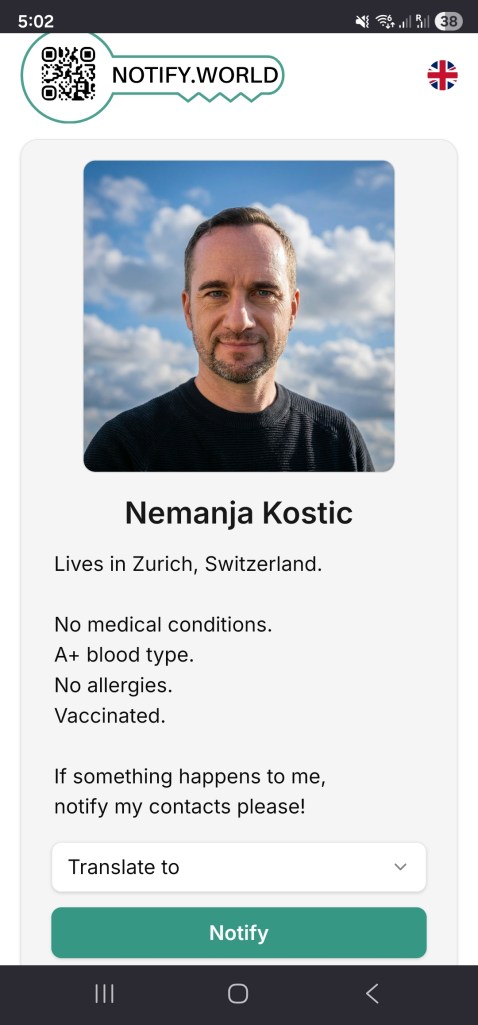
Now they can notify my trusted contacts.
Document Management
This is a unique feature of NotifyWorld. Documents can be shared with other persons, during and after life. This feature is available only to Premium users of NotifyWorld.
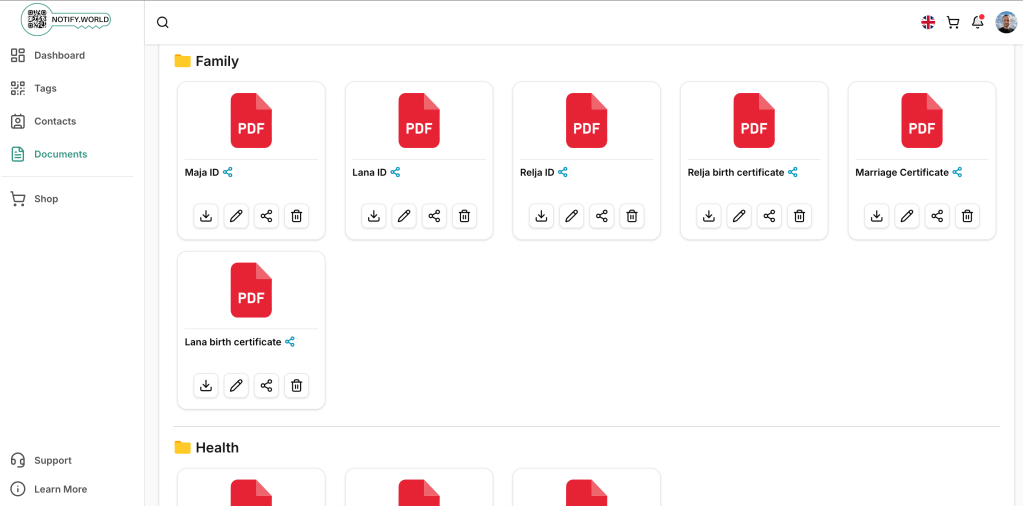
I have uploaded over 30 documents to my account. Some of them are shared with contacts I choose to. For example, here is a screenshot of my Family group where I have shared our ID’s, kids’ birth certificates and a marriage certificate with my wife. Now we both have them available to us any time. With the Notify World mobile app it is very easy and fast to see those documents.
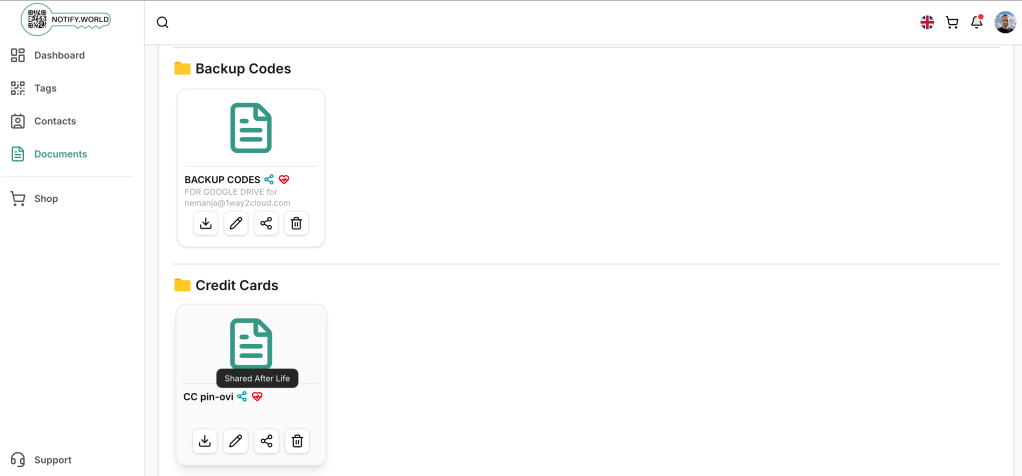
Some of the documents are shared with certain users after life. You can see a little red heart icon indicating that the document is only shared after life. Things like credit card PIN codes and backup codes for Google accounts should not be visible to anyone while I am alive. But they should be available to my loved ones when I am gone.
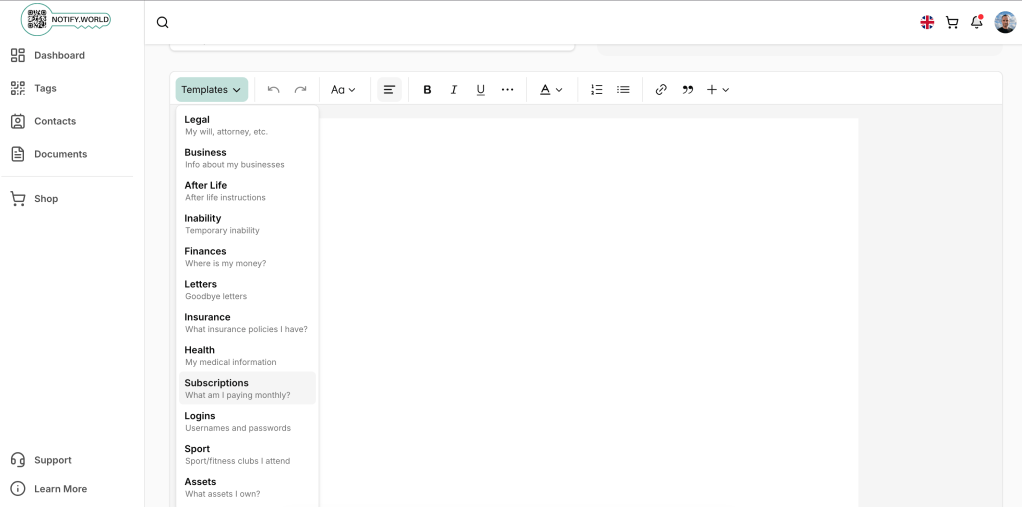
We provide over 15 templates for the documents that you create online. Templates gives you hints on what you should be documenting.
As mentioned earlier, these documents are encrypted by several layers of encryption, and you password as the last encrypting envelope. Nobody can see these documents but you, and people you share them with.
To prove that, here is a screenshot of a file in AWS S3. Each file is encrypted using server-side encryption with customer-provided keys (SSE-C).
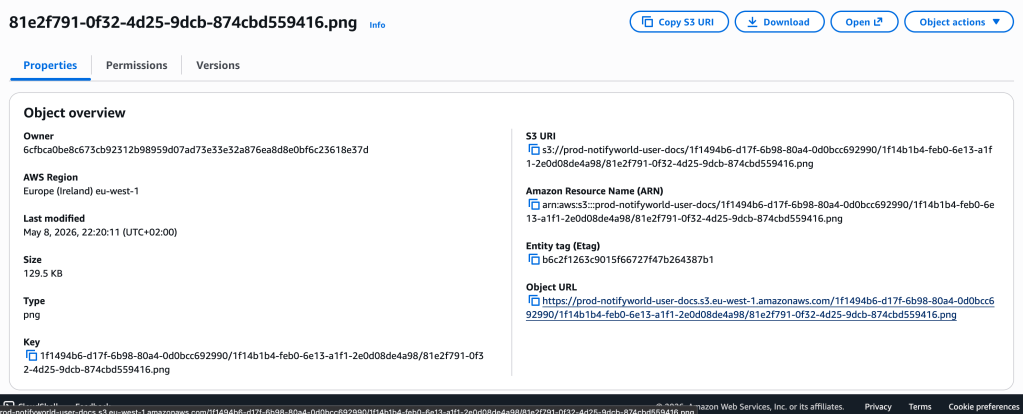
Even as AWS administrator with the highest access privileges, I cannot access the documents. If I try to download the document, I get error:

If I try to open it, I get Access Denied:

It is technically impossible to access any of these documents. That was the requirement of Notify World from the very beginning.
Forgotten Passwords and Death Confirmation Scenarios
Two questions are usually being asked: “What happens when I forget my password?” and “How do you know I am gone?“
This is where your trusted contacts play important role. When you forget your password, your trusted contacts can restore a secret token that is used to encrypt your documents. Only then you can access your documents again.
If you are really gone, your trusted contacts need to confirm it. Once all of them confirmed, and after a countdown period is reached, your documents marked for after-life sharing are released.
Now, we are talking about a people network, a connection graph that can be as complex as human relationships are. We have been testing many possible scenarios to be sure that all of the possible connections are covered.
Look at this scenario for example:
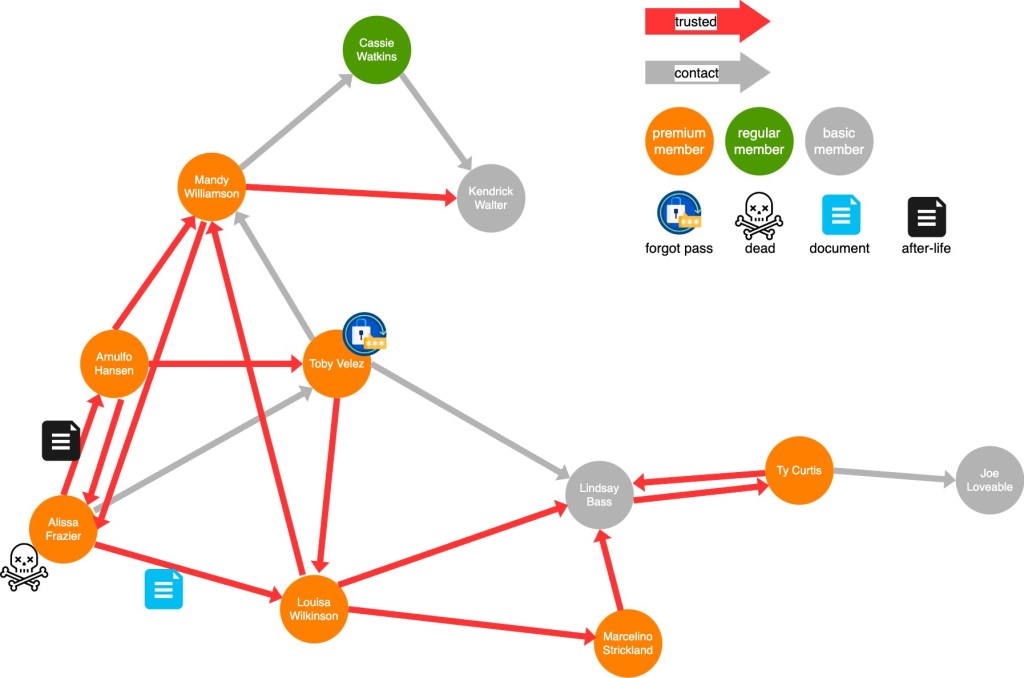
It’s a complex graph of inter-relations between users. When Toby Velez forgets his password, we want to see that Louisa Wilkinson can help him get access to his documents again. When Alisa Frazer dies, we want to see an after-life document being shard with Arnulfo Hanson. And so on… we can think of many possible relationships.
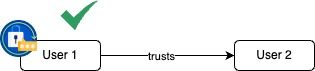
To simplify, the forgotten password works like this.
If User 1 forgets his password, but has a trusted contact User 2, then all is good. Documents are safely restored for the User 1.
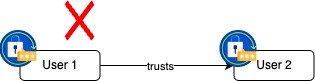
If both User 1 and User 2 forget their password, and User 1 has no other trusted contacts, then User 1’s documents are lost forever. They can never be decrypted again.
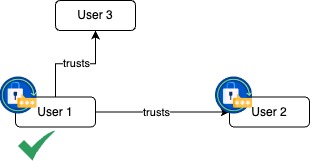
The solution is simple, always have more than one trusted contacts. If User 2 forgets their password, User 3 is here to help restore User 1’s documents.
Death confirmations have a bit more complex workflows. Let’s check a few scenarios.
If User 1 dies, User 2 can confirm the death and documents are released.

What happens if both User 1 and User 2 die, maybe together in a car accident. If they have no other trusted contacts, then Notify World has no possibility of knowing that and their after-life documents are never released.
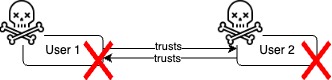
But if at least one of them has another trusted contact, than we can conclude that something has happened.
In the following example, User 1 and User 2 die together. User 3, being a trusted contact of User 2, marks User 2 as gone. Notify World algorithm sees that User 1 has only one trusted contact, and that contact is just marked as gone. In that case Notify World will send a notification to User 1 to check if User 1 is still alive. If User 1 doesn’t respond in the configured period, Notify World will conclude that User 1 is gone too and will release User 1’s after-life documents, if there are any.
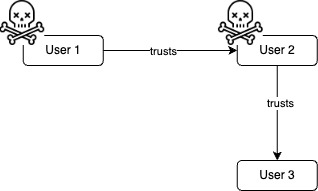
Similar actions happen if User 1 has trusted contacts and User 2 doesn’t.
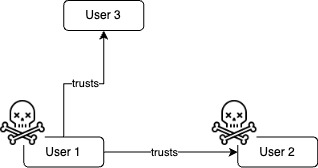
Same is happening in a long chaining of dead users:

Users 1, 2, 3 can all die but as long as there is at least one other trusted contact, like User 4 in this case, eventually all users will be properly marked as gone.
Conclusion
I hope you got some ideas on how Notify World can help you organize your life. The death part can be a bit depressing and nobody wants to think about it, but that’s the circle of life. Coming for all of us, don’t ignore it.
In the upcoming articles we will dive deep into technology behind Notify World. How it was designed, implemented and protected from external and internal threats.


